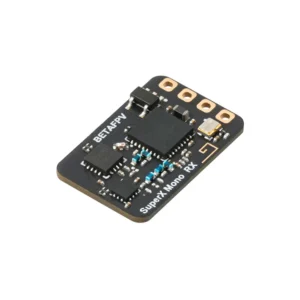
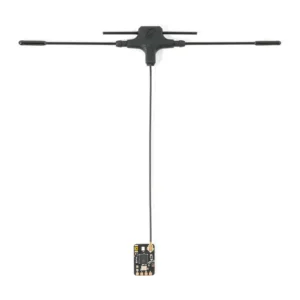
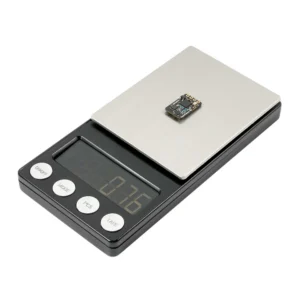

SuperX RX ELRS 2.4G/915M
Check out all of our BetaFPV Products!
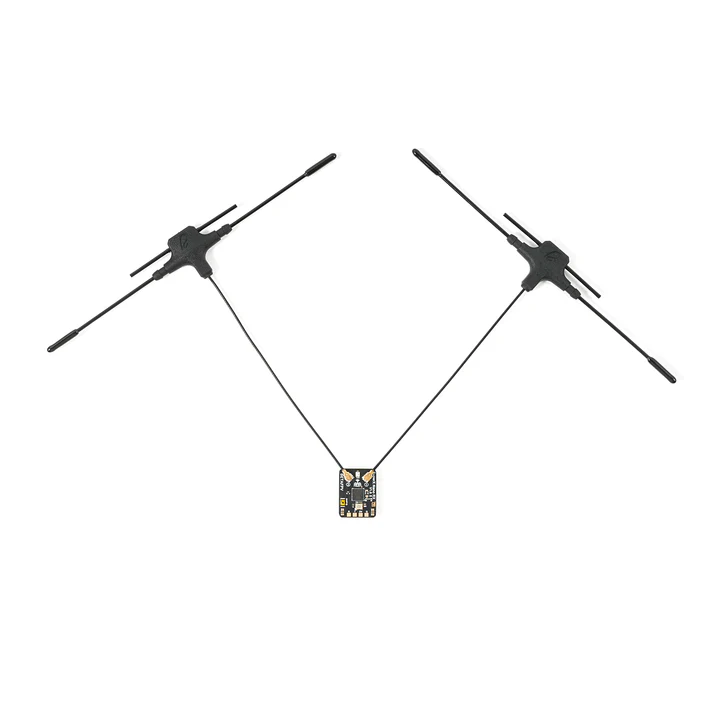
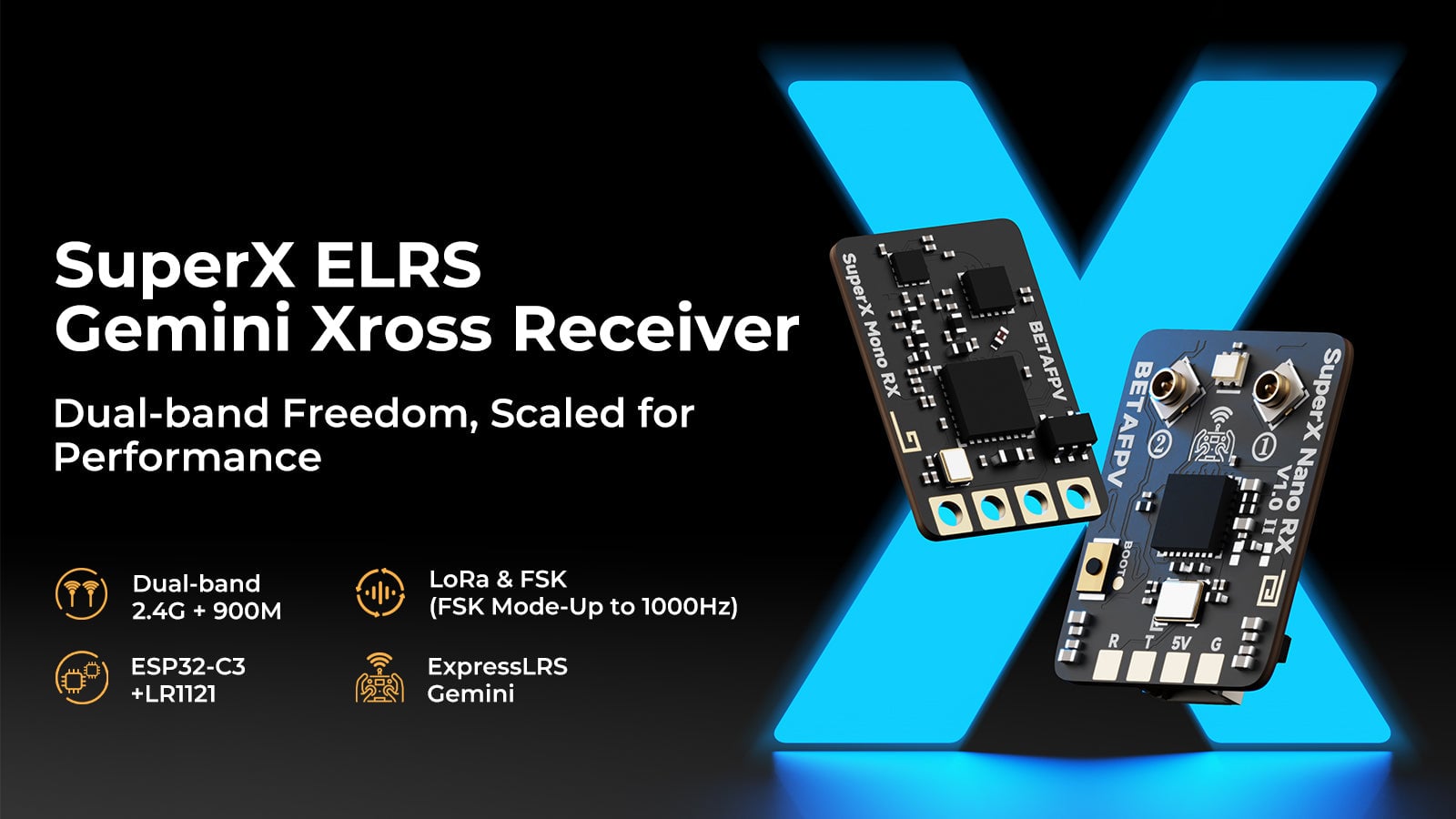
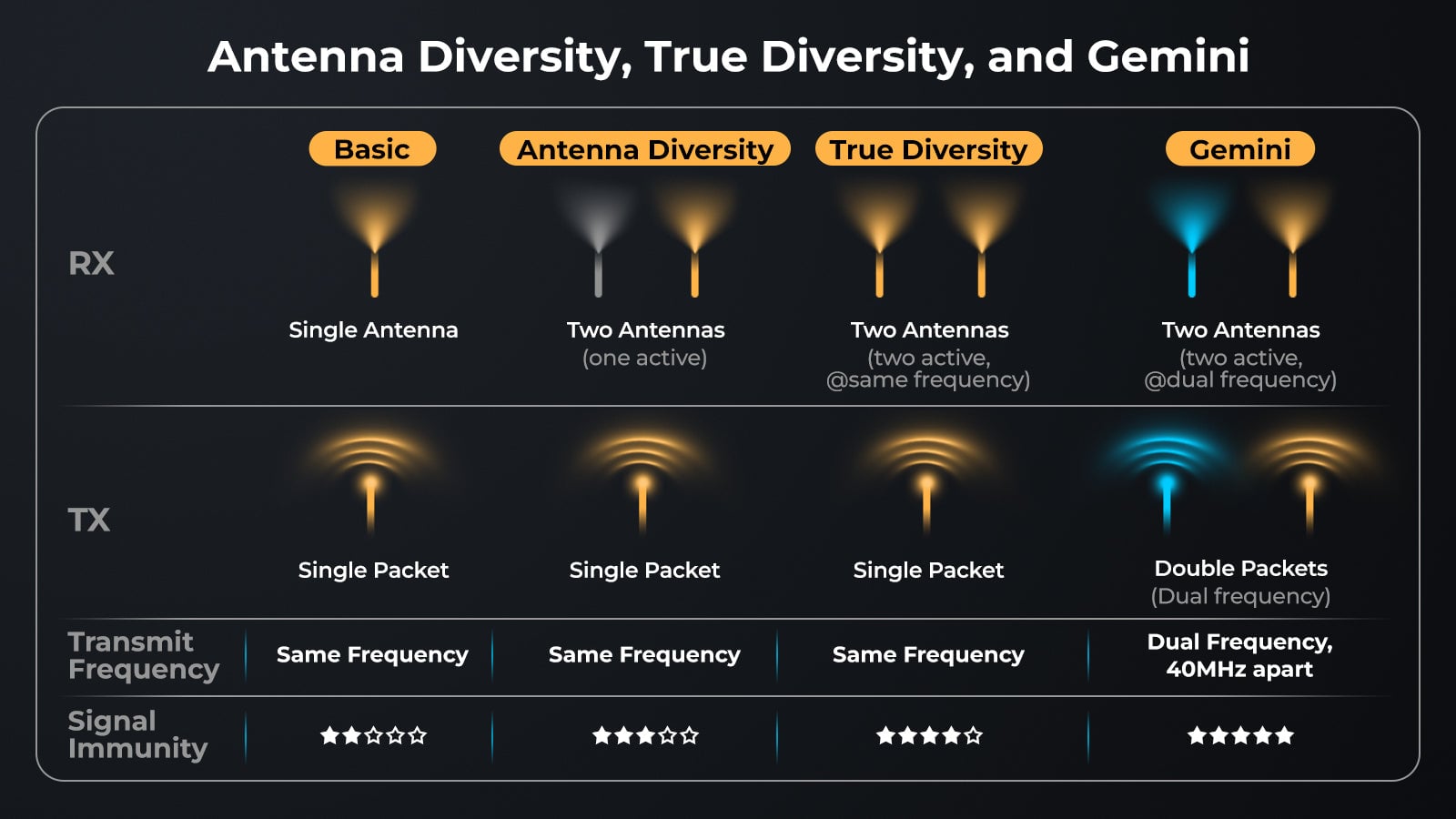
Conquer the airwaves with the BetaFPV SuperX ELRS Receiver, the first-ever receiver to master Gemini Xrossband (GemX) technology. Powered by the cutting-edge Semtech LR1121 RF chips and an ESP32-C3 MCU, the SuperX series breaks the barrier between frequency bands. Whether you need the penetration of 900MHz or the speed of 2.4GHz, the SuperX delivers unshakeable signal reliability where lesser links fail.
What is Gemini Xrossband?
Standard receivers listen on one frequency. Gemini utilizes true diversity to transmit and receive simultaneously. The SuperX takes this further with Xrossband:
-
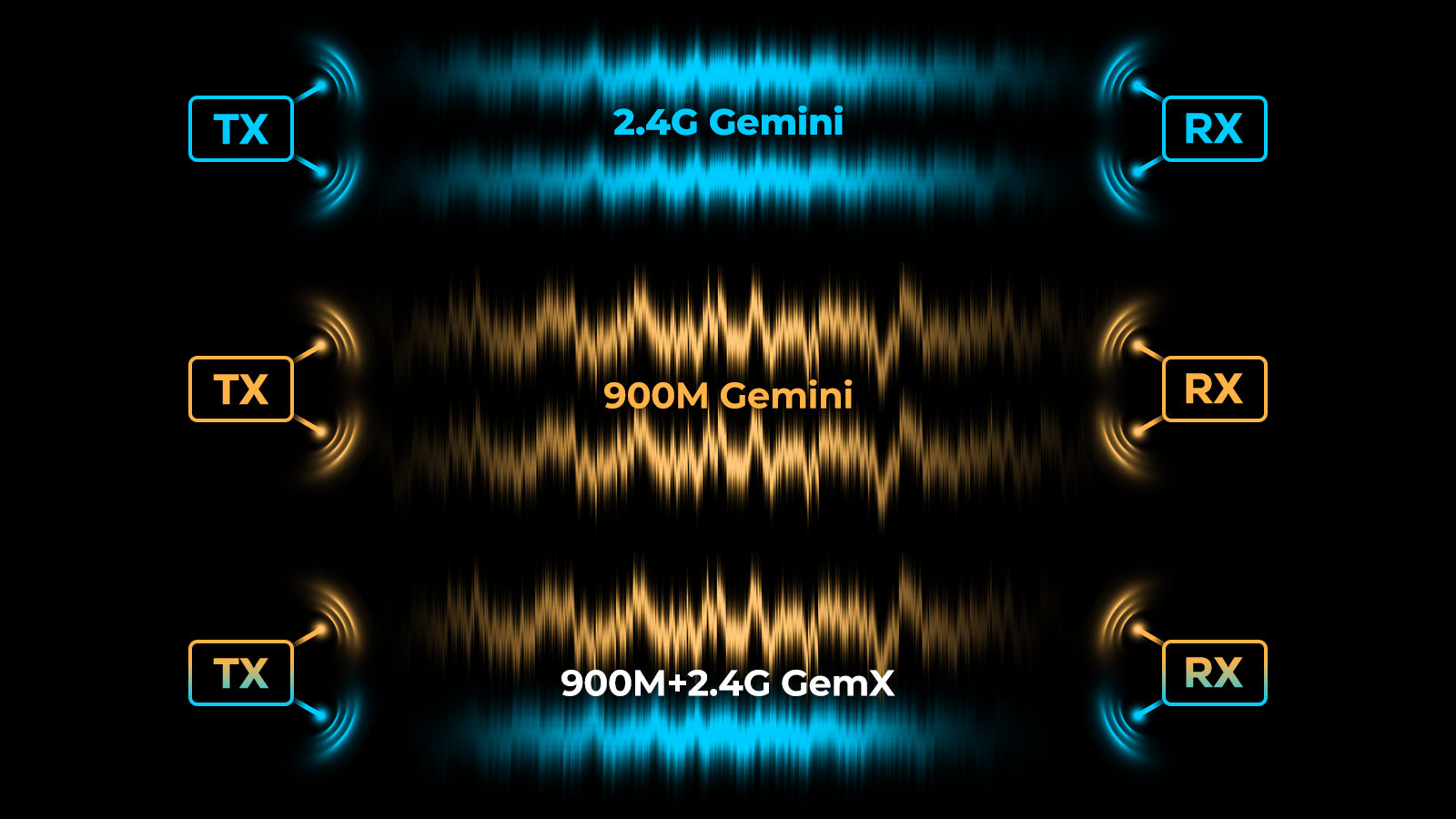
GemX Mode: Combines the deep penetration of 900MHz (868/915M) with the ultra-low latency of 2.4GHz in a single, seamless link. You no longer have to choose between range and speed—you get both.
-
Blistering Speed: Supports up to 1000Hz packet rates in FSK modes for instant control response.
Choose Your Version:
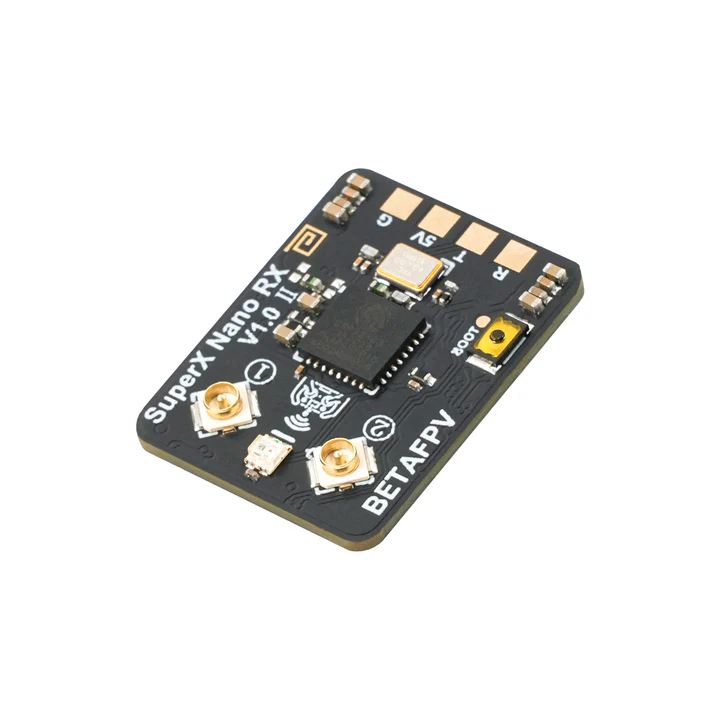
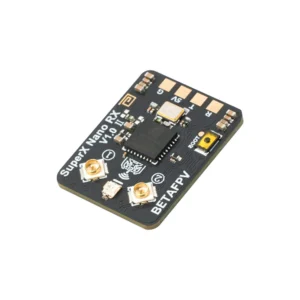
Option 1: SuperX Nano (Dual-Band Diversity)
The ultimate solution for long-range explorers, cinematographers, and racers.
-
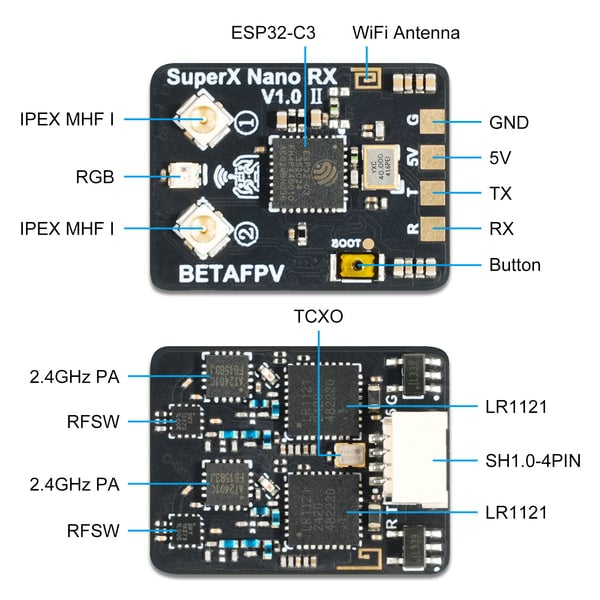
Hardware: Powered by Dual LR1121 Chips and Two U.FL Antennas.
-
Operation: Capable of Simultaneous transmission/reception on 900M and 2.4G (Gemini Xrossband).
-
Best For: 5-inch+ drones, Long Range, and Critical Mission flights where signal loss is not an option.
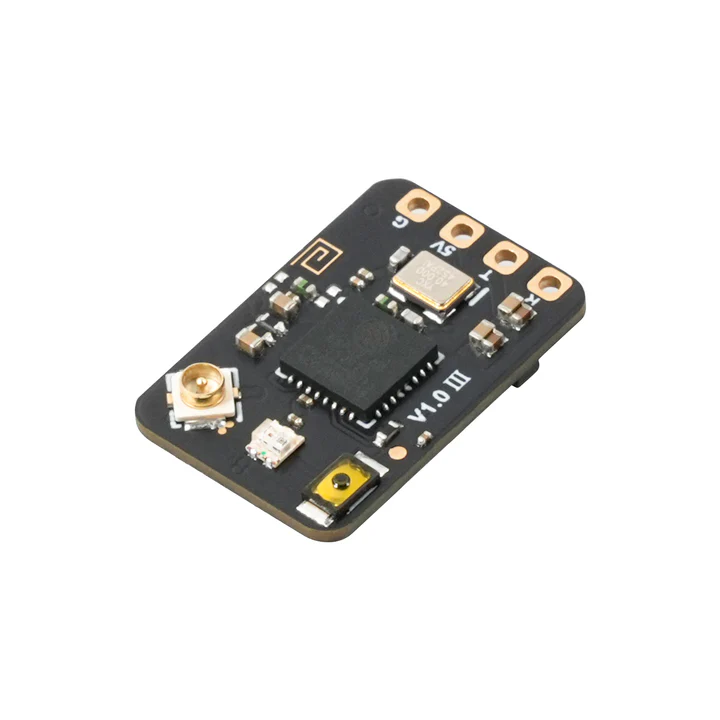
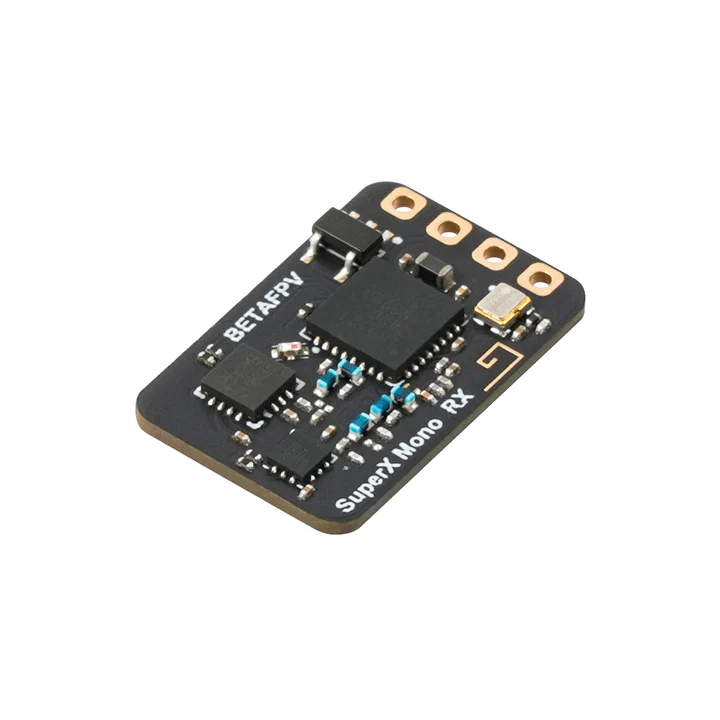
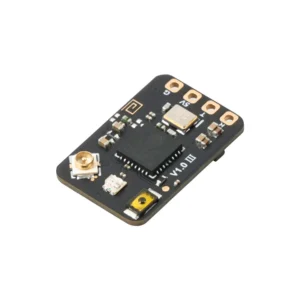
Option 2: SuperX Mono (Band-Switching Agility)
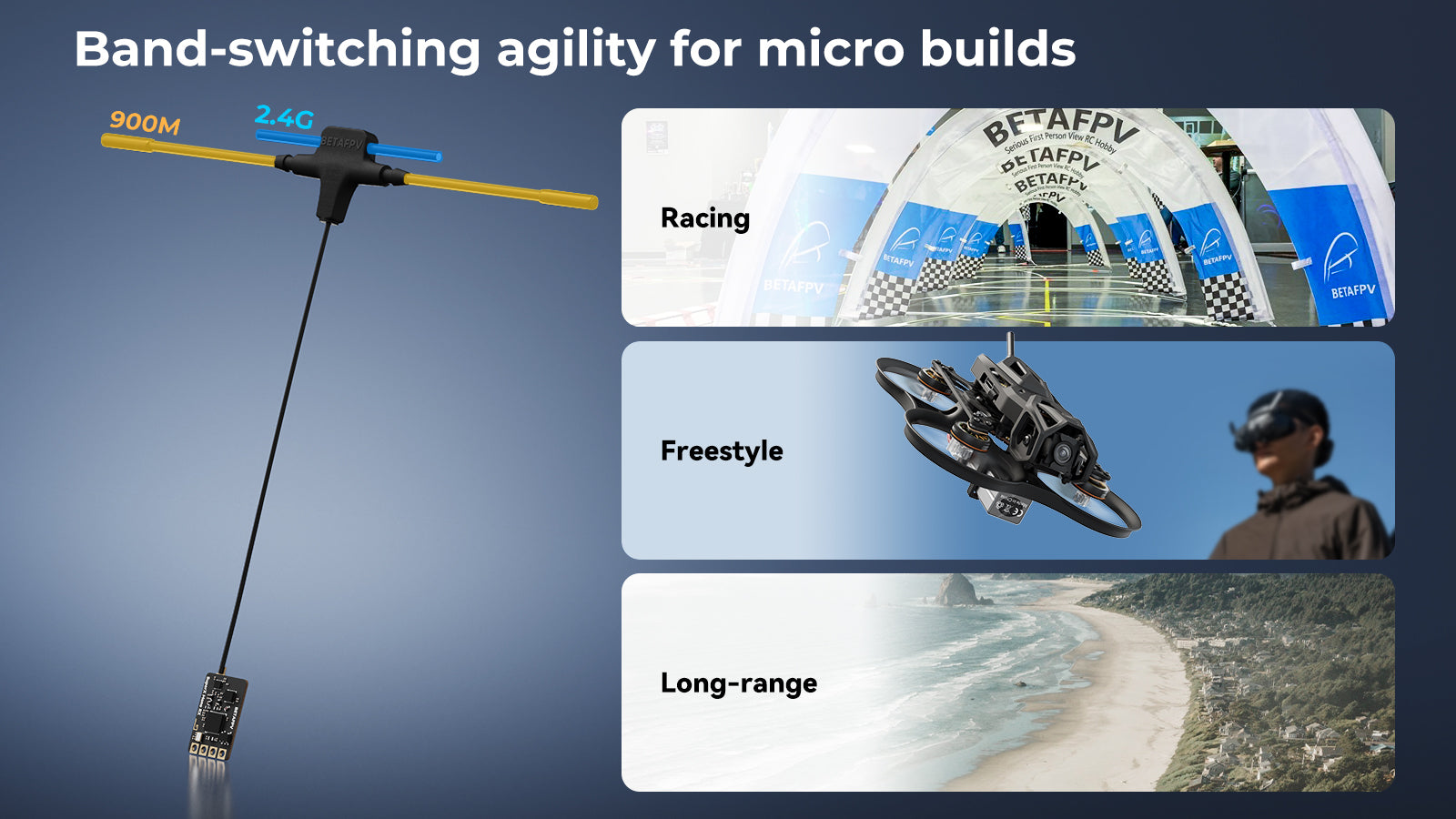
The versatile choice for micro builds and weight-conscious pilots.
-
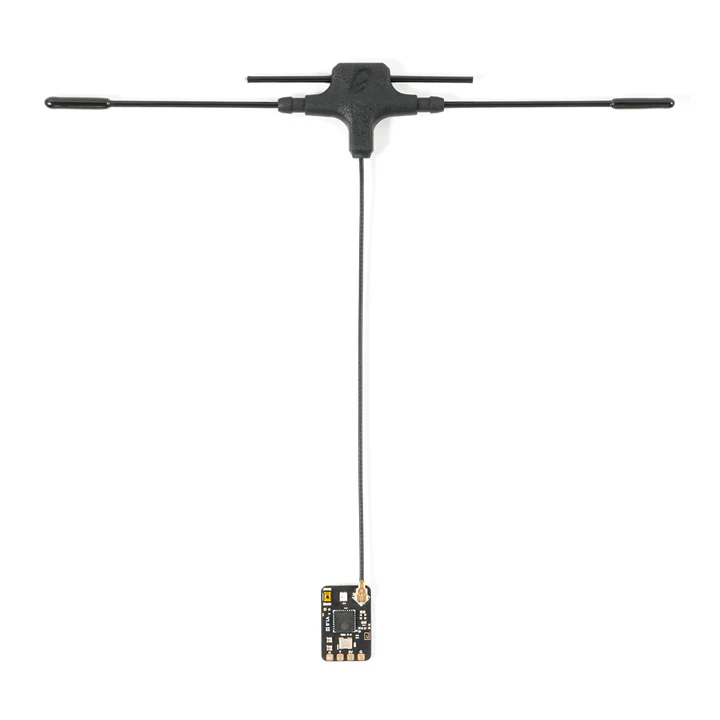
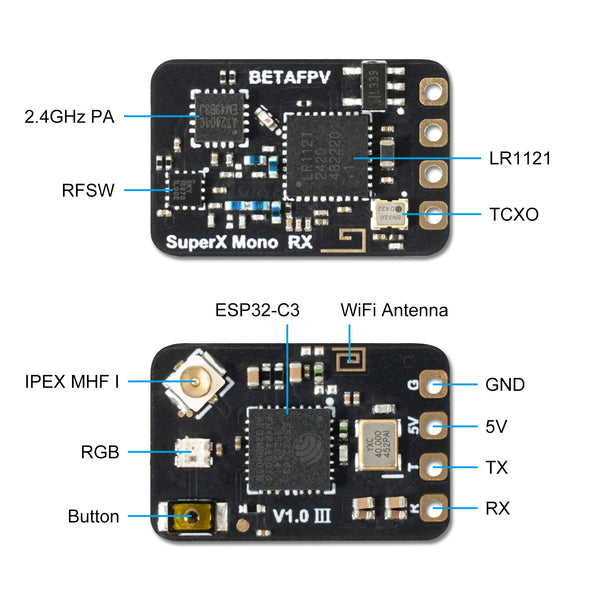
Hardware: Powered by a Single LR1121 Chip and One Dual-Band Antenna.
-
Operation: Allows you to switch between 900M and 2.4G bands depending on your needs (Note: Cannot run both simultaneously).
-
Best For: Micro drones, Whoops, and 2-3″ builds requiring a lightweight footprint.
Key Features:
-
Next-Gen Chipset: Semtech LR1121 + ESP32-C3 for class-leading performance.
-
Gemini Ready: True diversity capabilities for rock-solid LQ (Link Quality).
-
Telemetry: High-power 20dBm telemetry output.
-
Protocol Support: CRSF, SBUS, DJI RS2 Pro, and MAVLink.
-
Easy Binding: Button or Firmware-based binding (No passphrase by default).
Specifications Comparison:
| Feature | SuperX Mono RX | SuperX Nano RX |
| Best For | Micros / Whoops | 5″ Freestyle / Long Range |
| RF Chip | Single LR1121 | Dual LR1121 |
| Reception Mode | Single Band Switchable | Diversity / Gemini Simultaneous |
| Frequency | 900M OR 2.4G | 900M + 2.4G |
| Antennas | 1x U.FL | 2x U.FL |
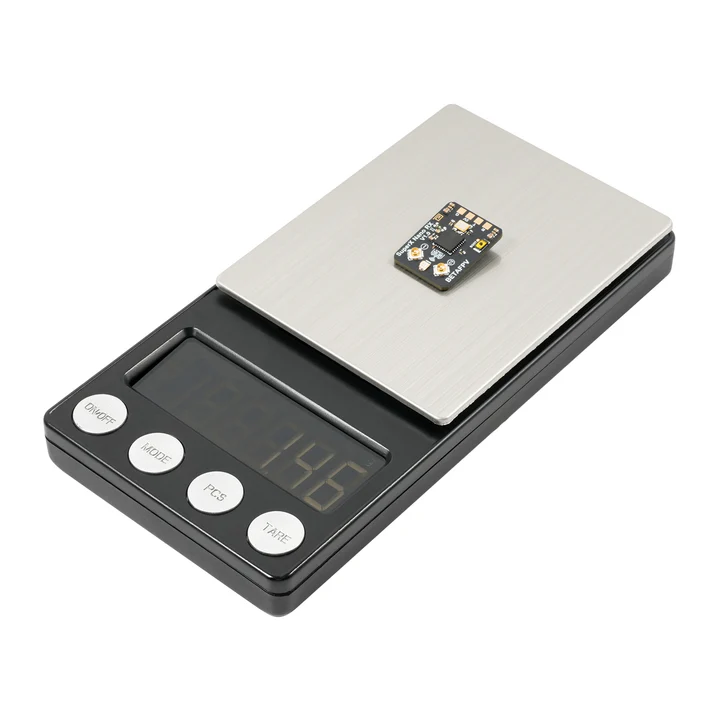
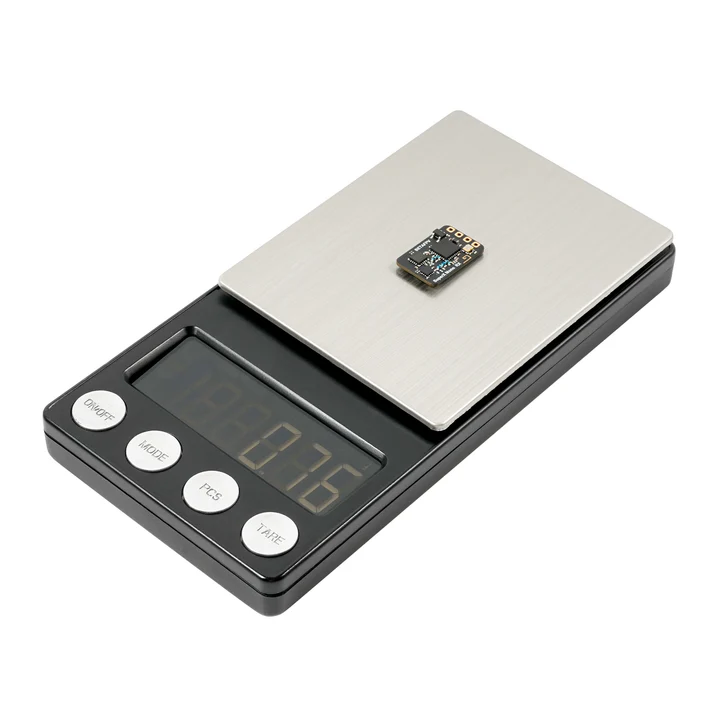
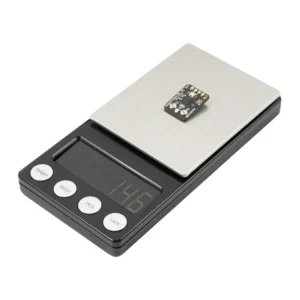
| Weight | 0.82g | 1.45g |
| Dimensions | 12.3 x 18.6mm | 16.3 x 21.4mm |
| Target | “Lite” & Agile | “Pro” & Redundant |
What’s in the Box?
[SuperX Nano]:
-
1x SuperX Nano Receiver
-
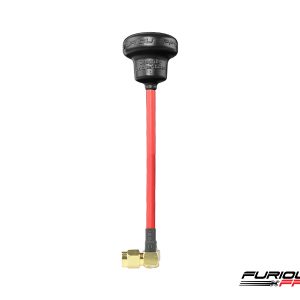
2x Dual-Band T Antennas
-
1x SH1.0 Double-Ended Connector
-
2x Heat Shrink Tubing
-
1x User Manual
[SuperX Mono]:
-
1x SuperX Mono Receiver
-
1x Dual-Band T Antenna
-
1x SH1.0 Single-Ended Connector
-
2x Heat Shrink Tubing
-
1x User Manual
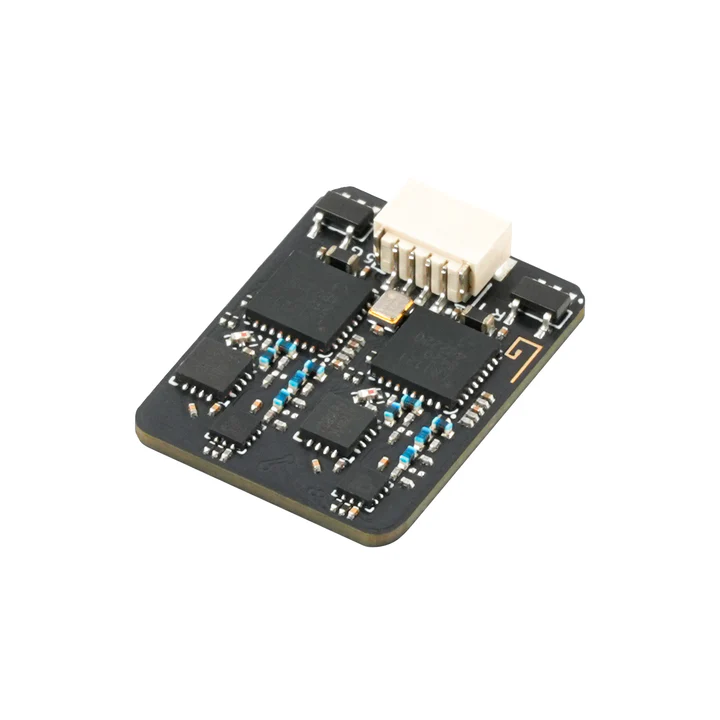
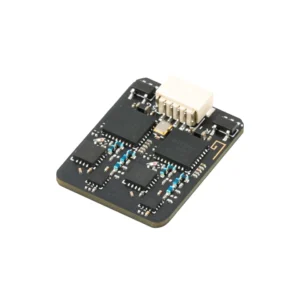
SuperX Nano Receiver:
SuperX Mono Receiver:

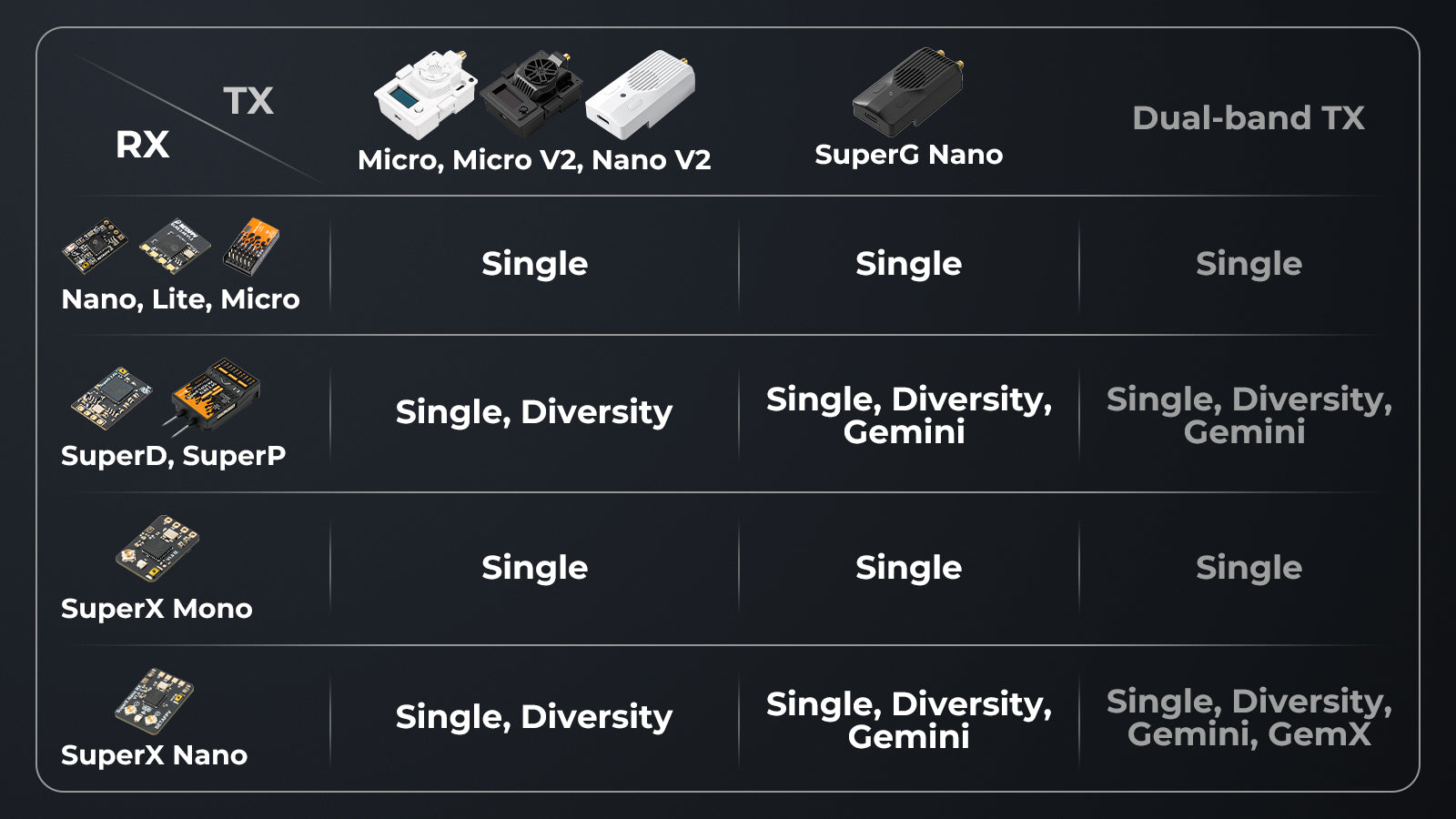
TX Compatibility
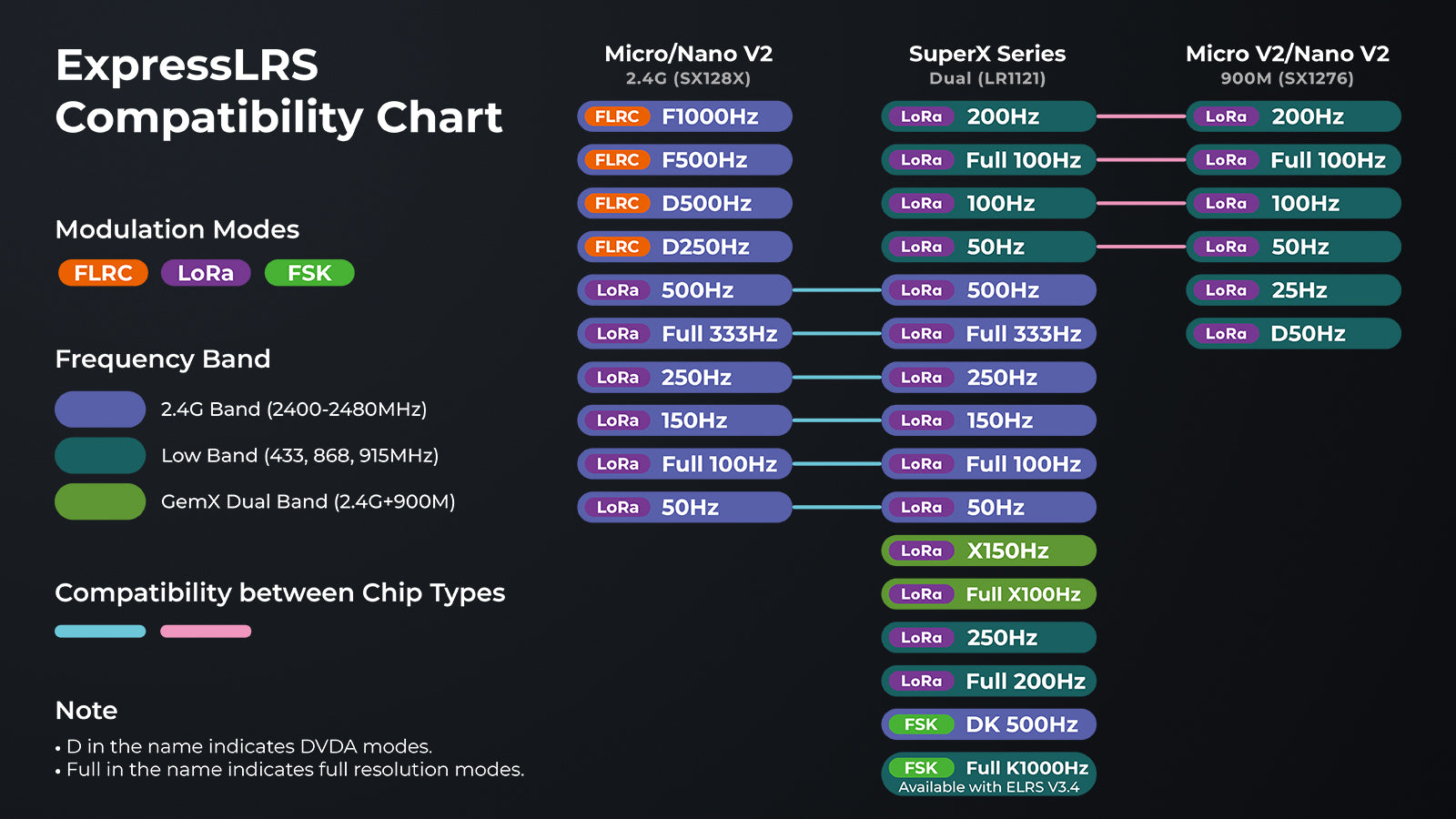
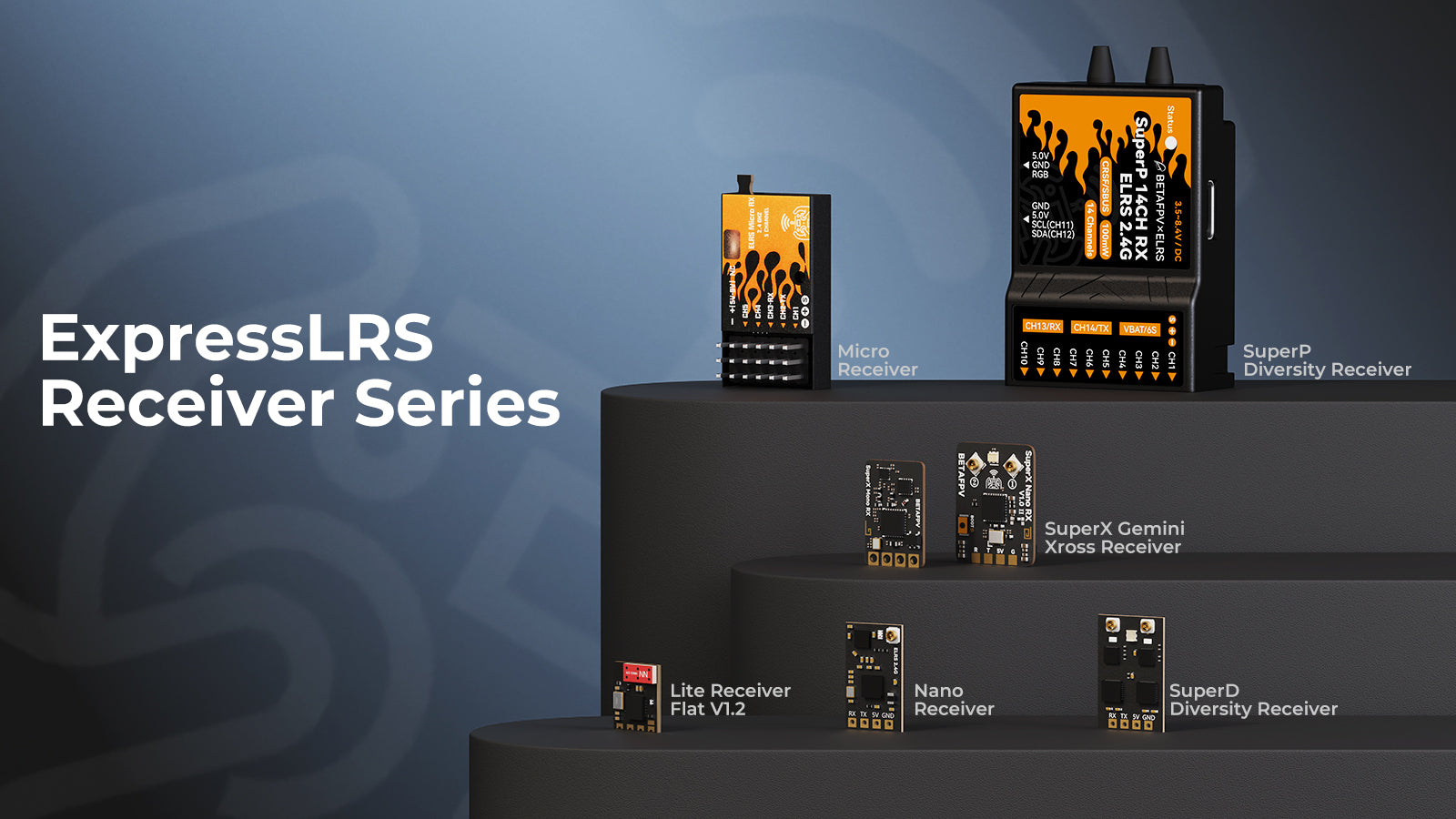
Configuration
The SuperX Receiver currently supports CRSF/SBUS/SUMD protocols. The following takes the CRSF protocol as an example to introduce its connection and pin configuration with the Betaflight firmware flight controller.
Wiring diagram:
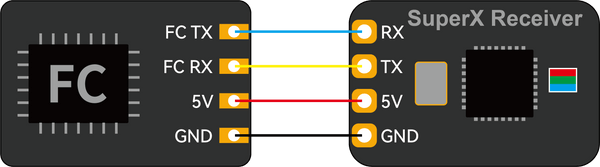
JST SH connector pin configuration:

Note: Betaflight and ExpressLRS use different JST SH connector pin configurations. Betaflight: 5V (V+), GND, RX, TX; ExpressLRS: GND, 5V (V+), TX, RX. When using the terminal wires for connection, please check the sequence.
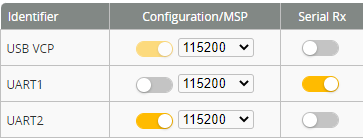
Connect the flight controller to the Betaflight Configurator for basic configuration. First, on the “Port” tab, enable the flight controller serial port, like UART1, as Serial Rx.
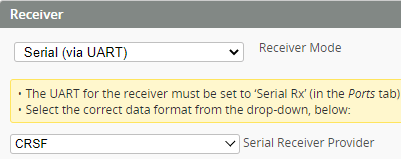
On the “Configuration” tab, set Receiver Mode to Serial (via UART) and Serial Receiver Provider to CRSF.
Bind
The SuperX Receiver uses ExpressLRS V3.x official protocol as its default firmware without a pre-set binding phrase. For successful operation, ensure the transmitter module also uses ExpressLRS V3.x or later firmware with no pre-set binding phrase.
- Power-cycle the receiver 3 times with a 1-second interval or press and hold the BOOT button for 2 seconds to enter binding mode.
- The RGB indicator flashes orange twice, which indicates the receiver is in bind mode.
- Configure remote control or transmitter module to bind with the receiver. If the RGB indicator is a solid light, it’s bound!
Notes:
● After binding once, the receiver will remember the autosaved binding phrase and device. Further restarting of the device will be bound automatically without the need for a rebinding process.
● If you have flashed firmware to the SuperX and configured the binding phrase, you will not be able to bind using the method above. Please set the same binding phrase for the transmitter module, this allows the receiver to be bound to the device automatically.
● It is recommended to place the two antennas as far apart as possible for better reception.
Know More About ExpressLRS
ExpressLRS is an open-source RC link for RC applications. Everyone could find this project on Github or join the discussion in Facebook Group.

File
- User Manual for BETAFPV SuperX ELRS Gemini Xross Receiver
- Firmware for SuperX ELRS Gemini Xross Receiver
- How to flash the firmware of SuperX Receiver via Passthrough or WIFI?
- To minimize GPS interference when using 868MHz, X150, or LowBand packet rates, avoid setting the telemetry ratio to 1:2 unless absolutely necessary—especially at 100mW telemetry power.If you require MAVLink or a 1:2 telemetry ratio, please position the SuperX receiver as far as possible from the GPS and avoid pointing the receiver antenna toward the GPS during satellite acquisition.